What is Local-First Software
On this page
- What Does "Local-First" Mean?
- Local-First vs Cloud-First
- Why Is Local-First Becoming Popular?
- Advantages of Local-First Software
- Faster Performance
- Works Without Internet
- Better Privacy
- Greater Data Ownership
- Flexible Collaboration
- Is Local-First Anti-Cloud?
- Real-World Examples
- How FlowDesk Uses the Local-First Approach
- Final Thoughts
What Is Local-First Software? A Beginner's Guide
Local-first software is a modern approach to building applications where your data is stored on your own device first, rather than immediately relying on cloud servers.
Unlike traditional cloud-first applications, local-first software allows you to continue working even when you're offline. Your files, projects, and documents remain accessible because they're already stored locally. When collaboration or synchronization is needed, the application can sync changes with other devices or team members.
This approach gives users greater control over their data while maintaining the convenience of modern collaboration.
What Does "Local-First" Mean?
The term local-first simply means that your device becomes the primary source of truth for your data.
Instead of sending every change directly to a remote server, the application saves it locally first. Cloud synchronization becomes an optional feature instead of a requirement.
Think of it like writing in a notebook on your desk.
You don't need an internet connection to write your ideas. If you later want to share those notes with someone else, you can choose to do so.
Local-first software works in a very similar way.
Local-First vs Cloud-First
| Local-First | Cloud-First |
|---|---|
| Data stored on your device first | Data stored on remote servers |
| Works offline | Usually requires an internet connection |
| Faster local performance | Depends on network speed |
| You control your data | Data is managed through cloud services |
| Cloud sync is optional | Cloud sync is mandatory |
Cloud-first software is excellent for real-time collaboration across the internet, but local-first software focuses on giving users ownership, speed, and reliability without sacrificing collaboration.
Why Is Local-First Becoming Popular?
As software becomes increasingly cloud-dependent, many developers and organizations are beginning to realize that users also value:
- Privacy
- Offline access
- Better performance
- Data ownership
- Reduced dependence on cloud services
Local-first applications provide these benefits while still allowing collaboration when needed.
Advantages of Local-First Software
Faster Performance
Since data is stored locally, opening projects, documents, or files is much faster than waiting for requests to remote servers.
Works Without Internet
Whether you're traveling, experiencing network issues, or working in remote locations, your application continues to function normally.
Better Privacy
Your data stays on your own device by default. You decide when and how it should be shared.
Greater Data Ownership
Instead of relying entirely on third-party cloud providers, you maintain direct ownership of your information.
Flexible Collaboration
Local-first doesn't mean working alone.
Modern local-first applications can still support collaboration through local networks, peer-to-peer connections, or cloud synchronization when users choose to enable it.
Is Local-First Anti-Cloud?
Not at all.
One of the biggest misconceptions is that local-first software rejects the cloud.
In reality, the cloud is still valuable for backup, synchronization, and remote collaboration.
The difference is simple:
Cloud-first software requires the cloud.
Local-first software gives you a choice.
Real-World Examples
Many modern applications have adopted local-first ideas in different ways, especially in note-taking, knowledge management, design, and productivity software.
Although implementations vary, the common goal remains the same:
Keep users productive even when they're offline while giving them greater ownership of their data.
How FlowDesk Uses the Local-First Approach
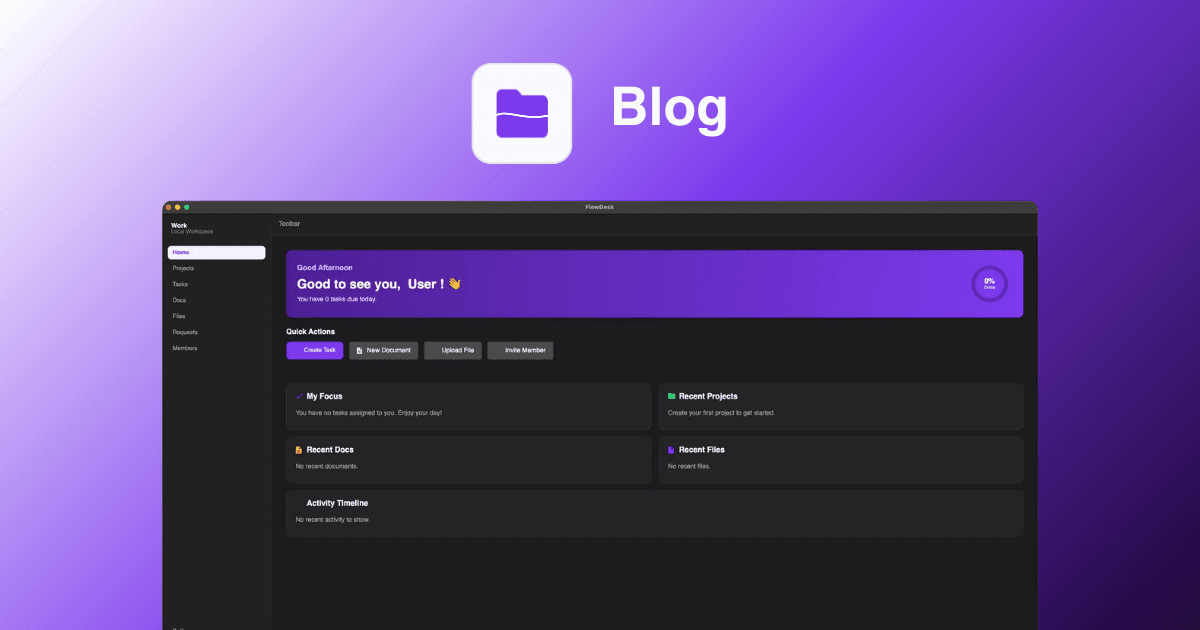
FlowDesk was designed around local-first principles.
Your workspace lives on your own computer by default, allowing you to manage:
- Projects
- Tasks
- Documents
- Files
- Team members
without depending on a permanent internet connection.
When collaboration becomes necessary, you can choose between:
- Local Workspace for teams on the same network.
- Online Workspace for remote collaboration across the internet.
This means you can start working immediately as an individual and scale your workspace as your team grows—all without changing how you work.
Final Thoughts
Local-first software isn't about replacing the cloud.
It's about putting users back in control.
By storing data locally first and treating synchronization as an optional feature, local-first applications combine the speed of desktop software with the flexibility of modern collaboration.
As more people value privacy, ownership, and reliability, local-first software is becoming an increasingly important part of the future of productivity applications.
Whether you're an individual creator, a developer, or part of a growing team, understanding local-first principles can help you choose software that works for you—not the other way around.